


This article may contain links to products and services we use and recommend. We may receive compensation when you click on links to those products. For more information, see our Disclosure Policy.
Are you looking for a smarter way to set up, run and grow your small/remote business (as efficiently as possible)? In this article, we share the tried and tested tools we use to run our business (and are happy to recommend). We regularly review the products and services we use and replace them (if needed) with those that better meet our needs/align with our values. Whenever we do, we also update this list.
And in case you’re wondering: While our company is incorporated in New Zealand, most of the tools and resources we use apply worldwide (and where one doesn’t, we provide an international equivalent).
Hardware Solutions
What is the best computer for a digital nomad? Well, as with everything, it depends… on the type of job you do.
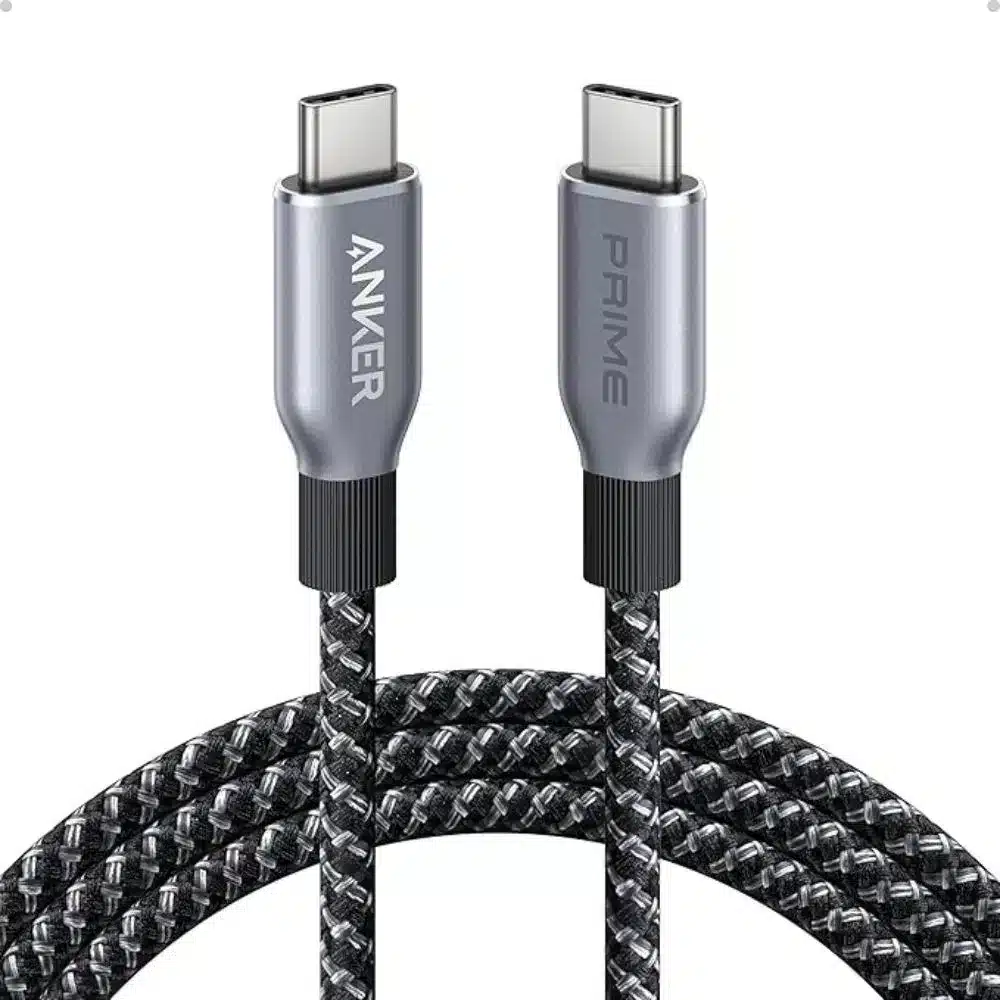
The Microsoft Surface Pro is OUR device of choice. And after more than 9 years of location independence, we have reduced our (other) hardware requirements down to the bare minimum to (comfortably) do our jobs. All we carry these days are (in alphabetical order):


Assessing Ethical and Sustainable Brands
We carefully evaluate gear and business tools for their quality and longevity, but we also prioritise products made with ethical and sustainable practices. Explore our trusted resources to discover how manufacturers are reviewed for their sourcing and production methods.
Productivity Software
When people think of an office productivity suite, Google and Microsoft are often the first to come to mind. And for good reason: while there are other alternatives on the market, those two do remain the most popular tools for business users. Both offer similar functionality (word processing, spreadsheets and file storage) but differ in other aspects. For example, Microsoft offers both desktop and cloud deployments of its Office suite, while Google’s G Suite (formerly Google Apps) is cloud-only.
Apart from our productivity suite of choice – Microsoft 365 – we use MailerLite for our email marketing needs and Grammarly to optimise our written communication:


Security and Protection
Antivirus: Microsoft Defender
Keeping our data and devices safe is essential when running a small remote business. Because we each have the Microsoft 365 Business Standard suite, we automatically get Microsoft Defender‘s premium safeguards:
- Automatic ransomware recovery – allowing us to roll back malicious changes without losing files (no more worrying about a crypto-locker attack).
- Dark-web monitoring – alerting us if our credentials show up where they shouldn’t.
- A centralised security dashboard – giving us a single pane of glass to spot and respond to threats across all our devices.
That peace of mind is invaluable.
VPN: Private Internet Access
For online privacy and access, we use Private Internet Access (PIA). Purchased on recommendation by a trusted security professional in the family, PIA has worked reliably and securely, offering:
- Greater geographic reliability, working smoothly in places where other VPNs fail (including Cuba).
- Transparent, well-documented privacy policies, so we know exactly how our data is handled.
- An intuitive interface with customisable settings, making it easy to switch servers or protocols on the fly.
- Open-source components improve accountability and trust in the software.

Private Internet Access offers encrypted VPN connections and global servers to help users manage online privacy while travelling or working.

Website Management
If you’re starting a blog or running a small remote business, your website doesn’t need to be expensive – but it does need to be reliable. A domain will typically cost around USD 12-15 per year, and shared hosting can start at USD 4-8 per month. That’s enough to get a WordPress site live and working well.
We registered our domain with Namecheap and host our site with GreenGeeks. The decision wasn’t just about price or features; it was also about alignment. GreenGeeks is a hosting provider that offsets its energy use and invests back into renewable energy, which matters when your website runs 24/7. In practice, GreenGeeks also delivers where it counts: straightforward WordPress setup, stable performance and support that works when you need it.
Within WordPress, we use
- Fluent Forms Pro to create email subscription forms across our website. It validates subscriber details, passes them to MailerLite, and helps us see which article a subscription came from. We use it instead of Divi’s in-built forms because it offers a better UI: Its drag-and-drop builder is easy to use, it supports GDPR and pop-ups out-of-the-box, and offers spam protection through its integration with Cloudflare.
Independent Analytics Pro as our website analytics dashboard. It enables us to create custom reports without the complexity of Google Analytics and gives us all the key data we need to make better decisions. Visitor data is kept on our site instead of being sent to Google, which reduces unnecessary tracking, improves visitor privacy and increases our website speed.


Physical Mail
While we receive all our business-related invoices online these days, we can’t avoid physical mail altogether – especially the occasional parcel to replace an item of our gear. We use Private Box, a New Zealand-based business providing mail scanning and forwarding services. If you are located elsewhere, Anytime Mailbox is an equivalent provider.


Contractors
We are a permanent team of two – Paul and Sandra (in life but also in our business). Our job roles are well-defined: we each have our areas of accountability based on our capabilities, experience and strengths. We are fortunate that our skills and expertise complement each other well.
When our expertise is not enough, we seek the help of contractors. Some relationships are temporary; others (for example, with our web developer Reliqus) are more permanent/ongoing. Upwork is our go-to source for finding good contractors and managing any work they do for us.


Image Design and Management
Images sell – more than words. So, if your small business includes a website, you need a good smartphone camera, an innovative editing suite and the skills to operate both. We had a more sophisticated camera setup for many years, but found carrying our camera around too cumbersome (or using it too intrusive).
We use PaintShop Pro to edit our images and Canva for other design needs (for example, to create and maintain Pinterest pins and our media kit).


Business Finances
When running a small/remote business, keeping track of your income, expenditure and cash flow is key. You could outsource this task to a bookkeeper/accountant or use an expensive accounting suite like XERO or MYOB. We found, however, that Pocketsmith does the job just as well (at a fraction of the price) – at least for our needs as a small remote business with multi-currency income and expenditure.
And speaking of multiple currencies: We use (the bank accounts we can set up with) Wise to receive income/pay invoices (in NZD, AUD, EUR, USD, GBP – you name it). Paypal is our secondary tool – for affiliate partners that do not offer payments to Wise. For any (inter-currency) money transfer needs, we compare quotes on OFX, Wise and XE, and go with the best offer.


Accounting Services
Speaking of accountants, we still use them to prepare our annual financial statements, file our tax returns and occasionally to seek tax advice.
Accounting and Taxation Centre in Stoke, New Zealand, provide an excellent service at an affordable price. Our accountant understands the nature and needs of online businesses and has provided us with sound advice for many years. Even complex taxation matters are explained in a way that is easy to understand. While we have met our accountants in person at their office (once), we usually communicate with them via email.

Monetising your website
Being a content creator is not just about researching, writing and publishing insightful articles and promoting them via Social Media and other channels. To turn helpful content into income, you also need tools that help you monetise it.
Affiliate Networks and Partner Platforms
Affiliate income is one of the most common ways a content creator/website generates revenue. Instead of creating your own products, you earn a commission by recommending products and services that align with your content and audience (and in our case, values).
Affiliate networks/partner platforms give you access to a wide range of brands, help you discover suitable partnerships, and provide a central place to track clicks, conversions and commissions. Rather than managing multiple relationships individually, you can monitor performance and payments across all collaborations on a single dashboard.
We collaborate with brands both directly and via the following affiliate networks/partner platforms:


Affiliate Link Management
When you publish affiliate content at scale, link management quickly becomes messy without a system in place. We use ThirstyAffiliates to manage our affiliate links (and selected internal links) from one place. It helps us keep links organised, more consistent across posts and product pages, and easier to update. As our website has grown, having a central place to manage monetised links has saved time and reduced errors.


Advertising and Ad Tracking
Affiliate income is only one way a content website can generate revenue. Display advertisements and promotional placements also matter, but only if they are managed properly and tracked over time.
Advanced Ads provides a central system for creating, organising and managing banner advertisements across your website. The core plugin handles placements, while the Pro add-on adds advanced targeting and placement control, and the Tracking add-on provides data on impressions and clicks. Together, they allow you to control where ads appear, show relevant promotions and measure which placements are worth keeping, improving or removing.


Communities
A professional support network is invaluable to anyone starting and growing a business, especially to those who work online/remotely. Communities enable you to connect and interact with peers and mentors across industries, skill sets and locations – whether virtually or face to face.
Obviously, different communities offer different benefits to members. Here are just some we have joined over the years and found beneficial to building and growing our business.

NomadMania
NomadMania is an online community of people who love to travel. Members earn badges for authenticated travel, join local meet-ups, and use referral and networking tools to plan their next adventure. It’s free to join, and a great way to discover new destinations and share reliable insights.

Travel Massive
Travel Massive is the world’s largest independent travel industry community. Founded by Australian Ian Cumming in 2011, Travel Massive now has tens of thousands of members worldwide. It is free to join (with a lively forum for connecting and sharing ideas), and there is a Pro membership with additional benefits.
Before you go, if you liked our article and found it helpful, we would appreciate it if you could share it with your friends and family via the Share buttons below. Even better: Leave a short review on Trustpilot or Google, which would help us further build our online reputation as a (trustworthy and helpful) travel and lifestyle blog.